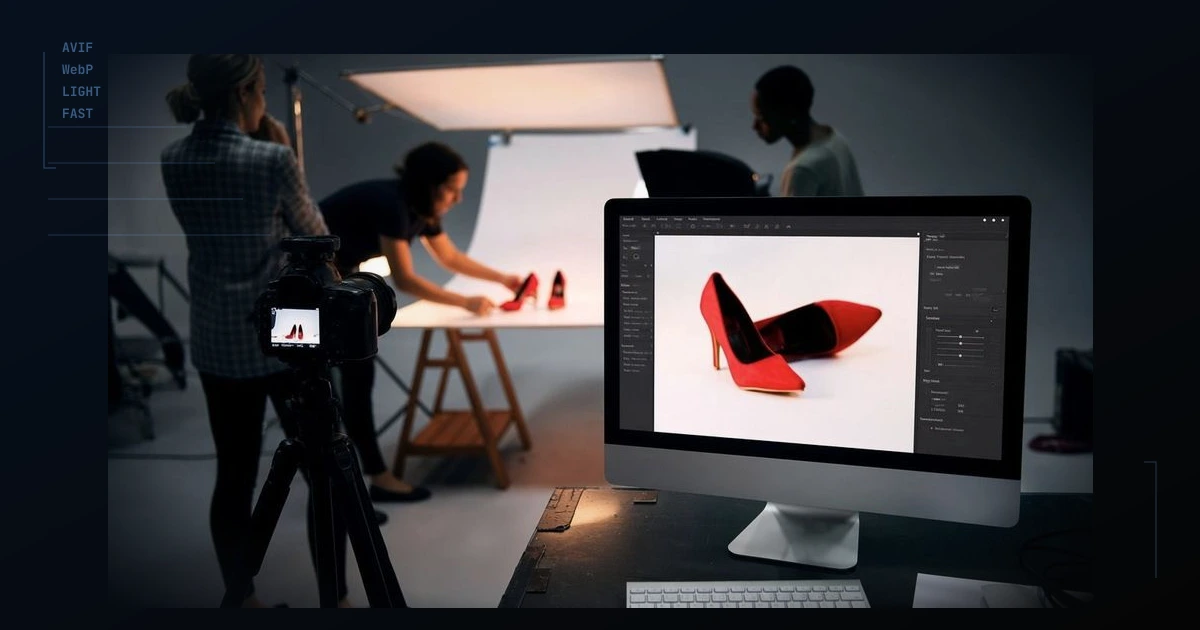
You invest in lighting, styling, and retouching. Then a buyer on mobile waits and waits while full-size JPEGs download. They leave before they ever feel the quality you paid for. For high-trust products, that is lost revenue, not a technical footnote.
The problem is delivery, not the shoot
Your master files should stay high quality. What reaches the phone should be smaller, modern, and sized for the screen. Cloudflare transformation flows are rules that say: for product gallery paths, serve WebP or AVIF when the browser allows, resize sensibly, and go lighter on slow connections.
You set this once in the dashboard instead of re-exporting hundreds of files every time you add a SKU.
A practical setup for shop owners
- Keep one set of masters; let the CDN create the sizes you need.
- Apply rules to your product image folders, not the whole site blindly.
- Use smaller files for thumbnails, sharper files for the hero shot.
- Avoid turning on two competing image tools that fight each other.
You do not need a six-month IT project. You need fewer megabytes per page and the same trustworthy photos. Speed on collection pages usually starts with how images are served, not a full rebrand.